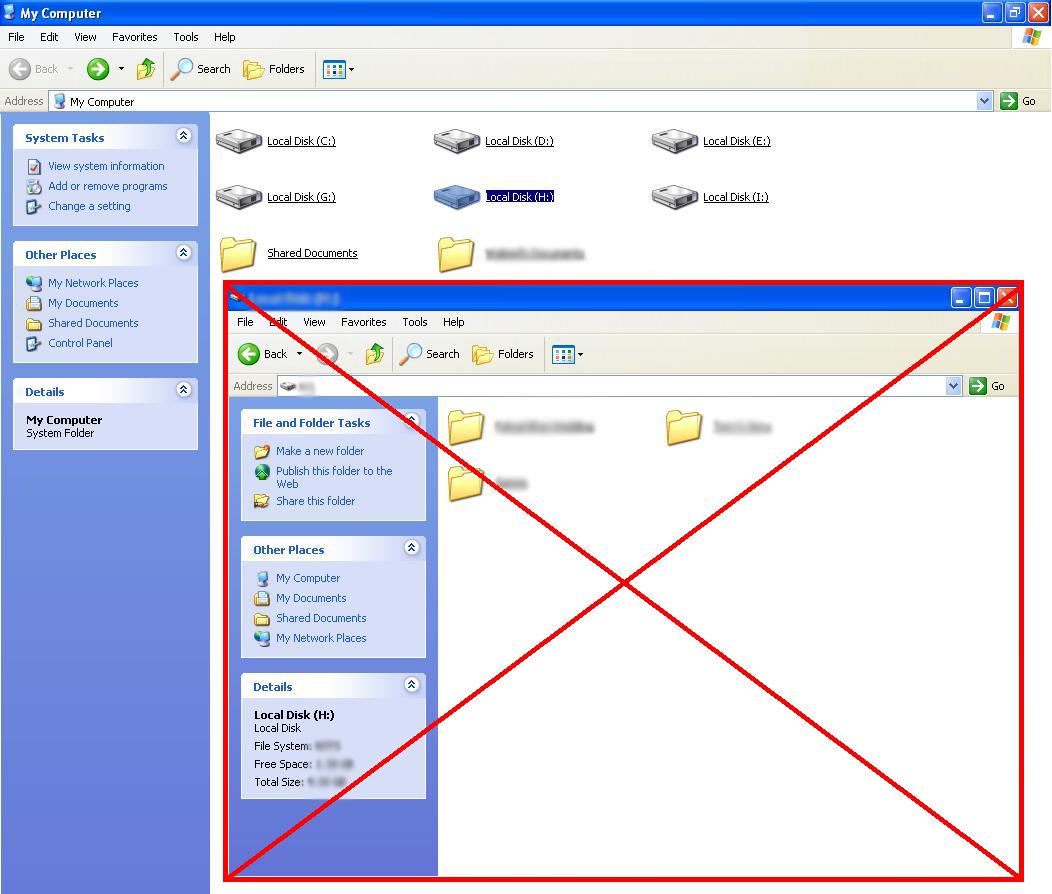
This happens if you had spyware in your PC.
It's called MountPoint2 or something...It's easy to remove so don't worry.Open regedit, Start>All Programs>Run, type regedit.Go to HKEY_CURRENT_USER\Software\Microsoft\Windows\CurrentVersion\ExplorerSearch for MountPoint2/Mount2Point or something familiar.Then delete the registry folder (only the MountPoint2).
No need for you to reboot!
Enjoy !!!

.gif) :a
:a
.gif) :b
:b
.gif) :c
:c
.gif) :d
:d
.gif) :e
:e
.gif) :f
:f
.gif) :g
:g
.gif) :h
:h
.gif) :i
:i
.gif) :j
:j
.gif) :k
:k
.gif) :l
:l
.gif) :m
:m
.gif) :n
:n
.gif) :o
:o
.gif) :p
:p
.gif) :q
:q
.gif) :r
:r
.gif) :s
:s
.gif) :t
:t 
No comments:
Post a Comment